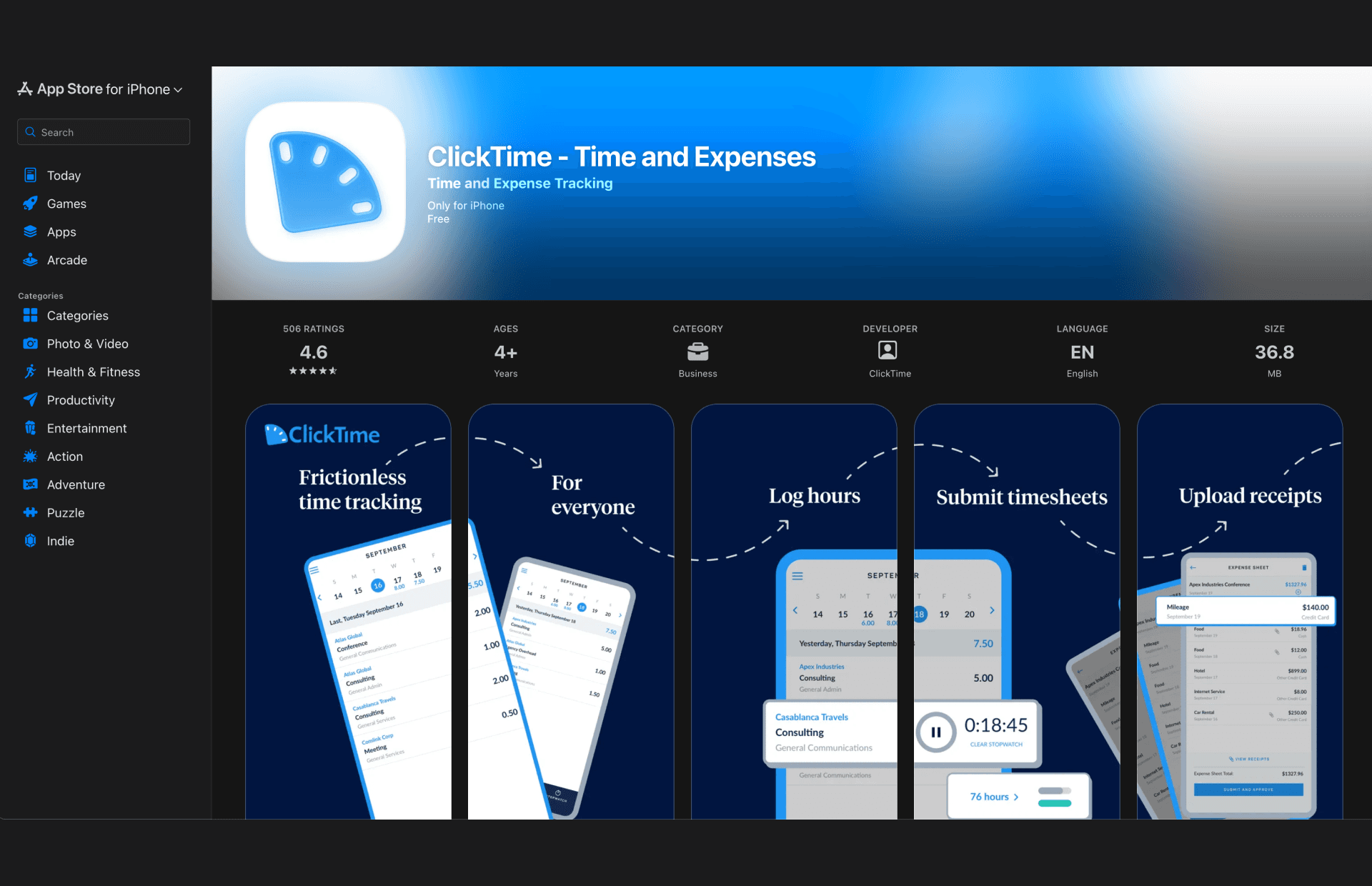
ClickTime Mobile App Store Listing
About
Context:
Full-time Engagement
Services:
Marketing Design

Final Apple App Store and Google Play Store listings
Outdated, Irrelevant Assets
The ClickTime Mobile App’s visual identity on the App Store had fallen behind - the assets were:
More than 5 years old
Static, boring screenshots directly from the app
Unable to communicate the app's benefit and functionality
These outdated visuals created a disconnect between our web and mobile app, potentially eroding trust with prospective users and lowering install conversion rates.
Panoramic Storytelling and Collaboration with Marketing
I analyzed the listings of top-tier apps to understand current patterns, and noticed a trend toward panoramic storytelling - where images flow and overlap seamlessly from one frame to the next, rather than using isolated screenshots.
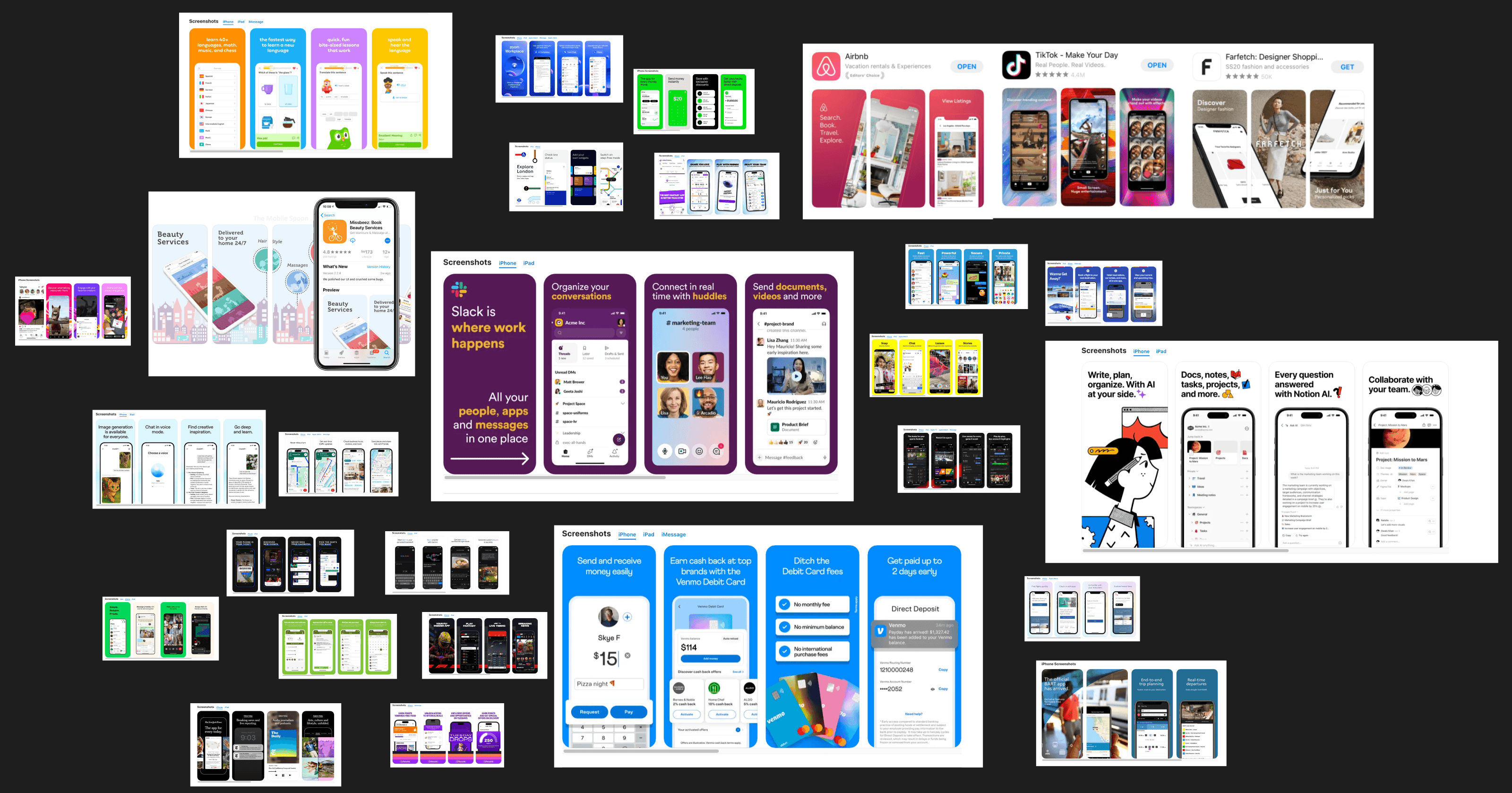
Through coordination with Marketing, I decided to use this flow to describe the user journey and benefits of the app, with the main points to highlight being:
Ease of Use: Instantly attaching receipts to expenses
Efficiency: Quick approvals for managers
Security: Safe SSO access from multiple providers
I structured the frames to follow the user journey: starting with an Employee submitting time and expenses, and transitioning to a Manager approving them.
Starting with a Rough Idea
I started by creating very quick drafts to envision each frame and its benefit (time tracking, expenses, approvals, etc.). These were not meant to be pretty yet, but just to help lay the foundation and get the ideas onto the frame:
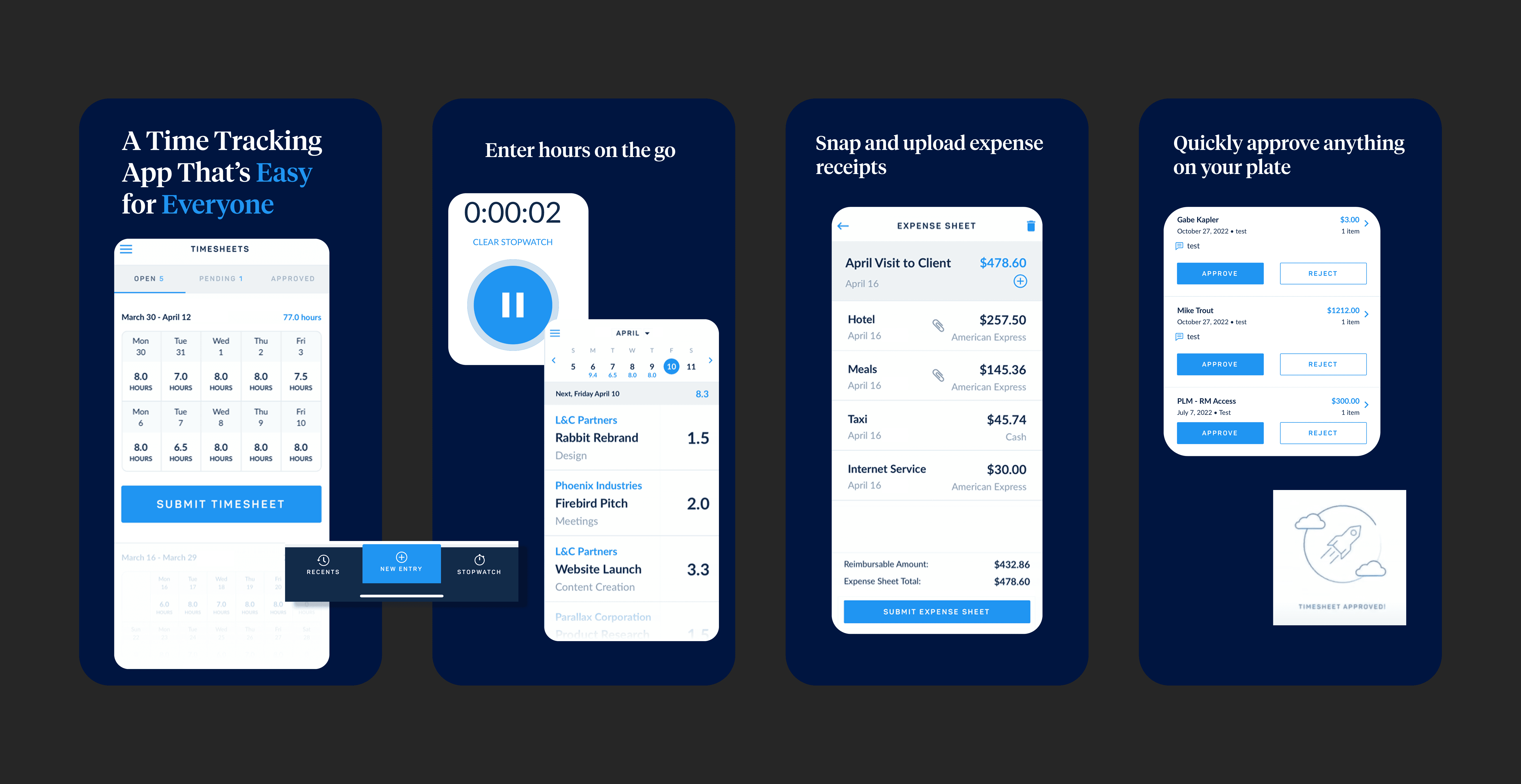
Iterations and Additional Design Elements
Through several iterations, I incorporated elements of the ClickTime Design System and pushed them further to test different accent colors and floating UI elements, creating a distinctive marketing aesthetic that still spoke to the product functionality. I tested solid vs. alternating background colors, as well as a clean, white option:
Further Iterations:
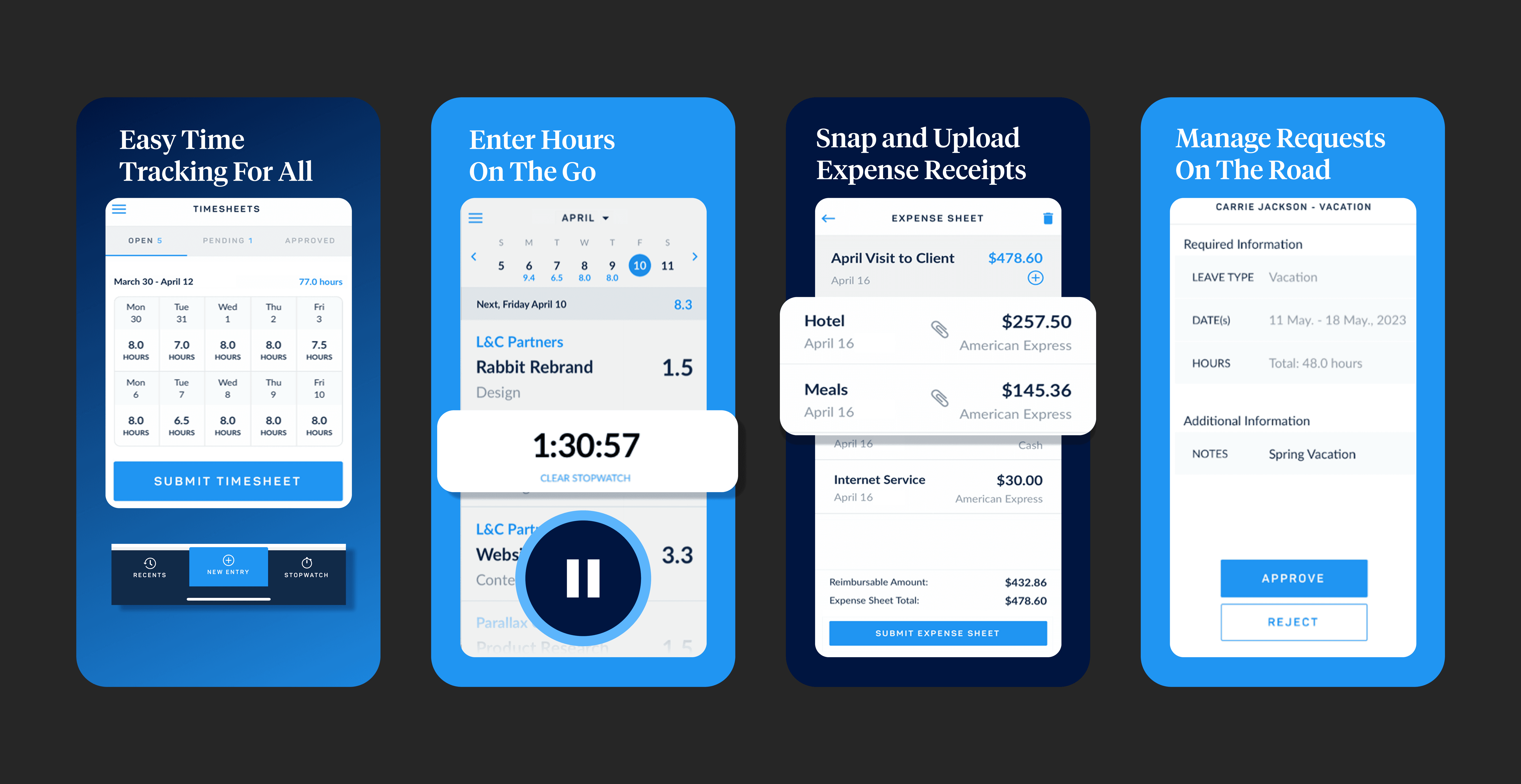

Incorporating Arrows and Phone Shapes
I found that arrows and various phone shapes could help tell the users' story, while keeping the eyes flowing through the designs. I also tested solid vs. alternating branded background colors.
Arrows and Cleaner White Option:
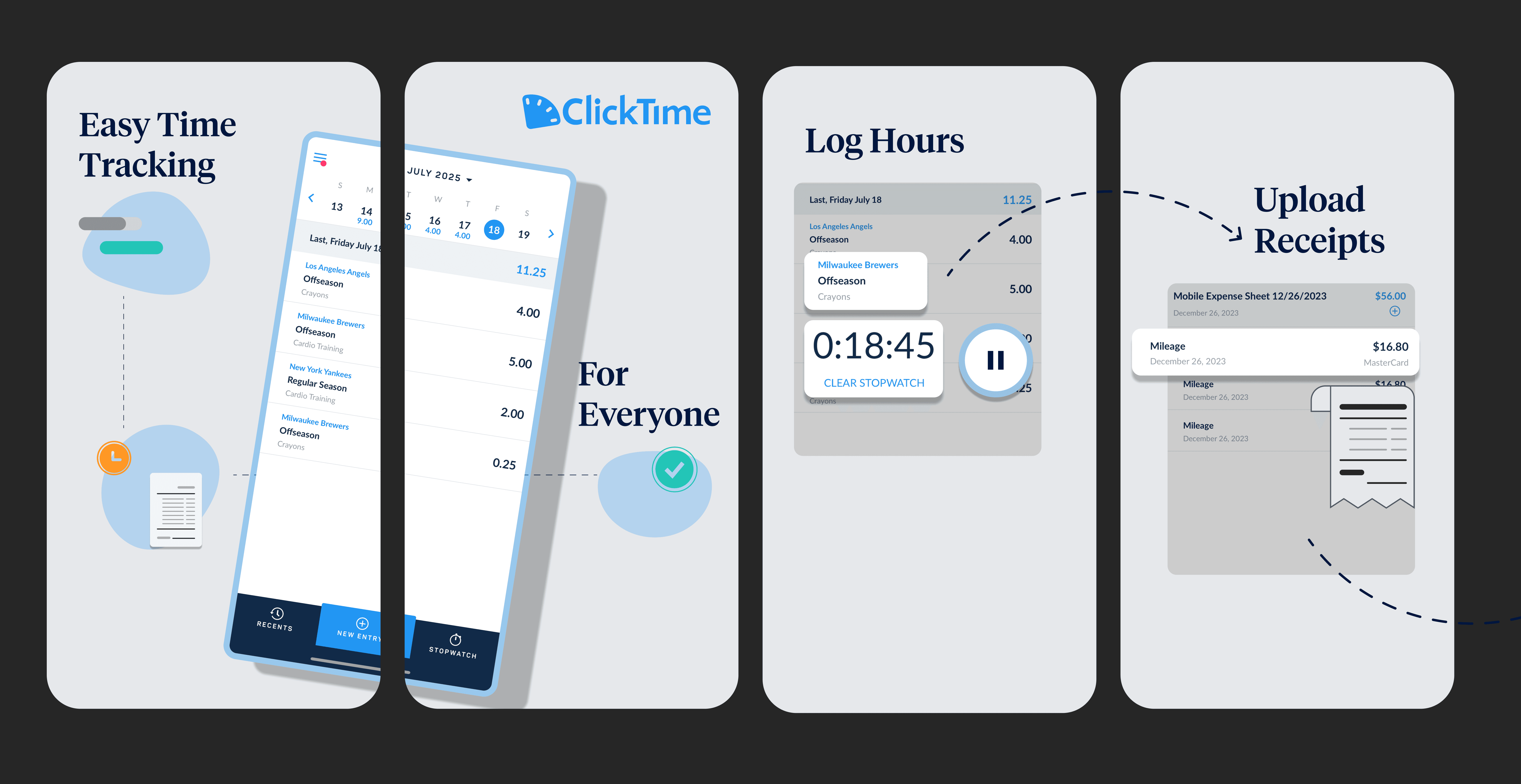
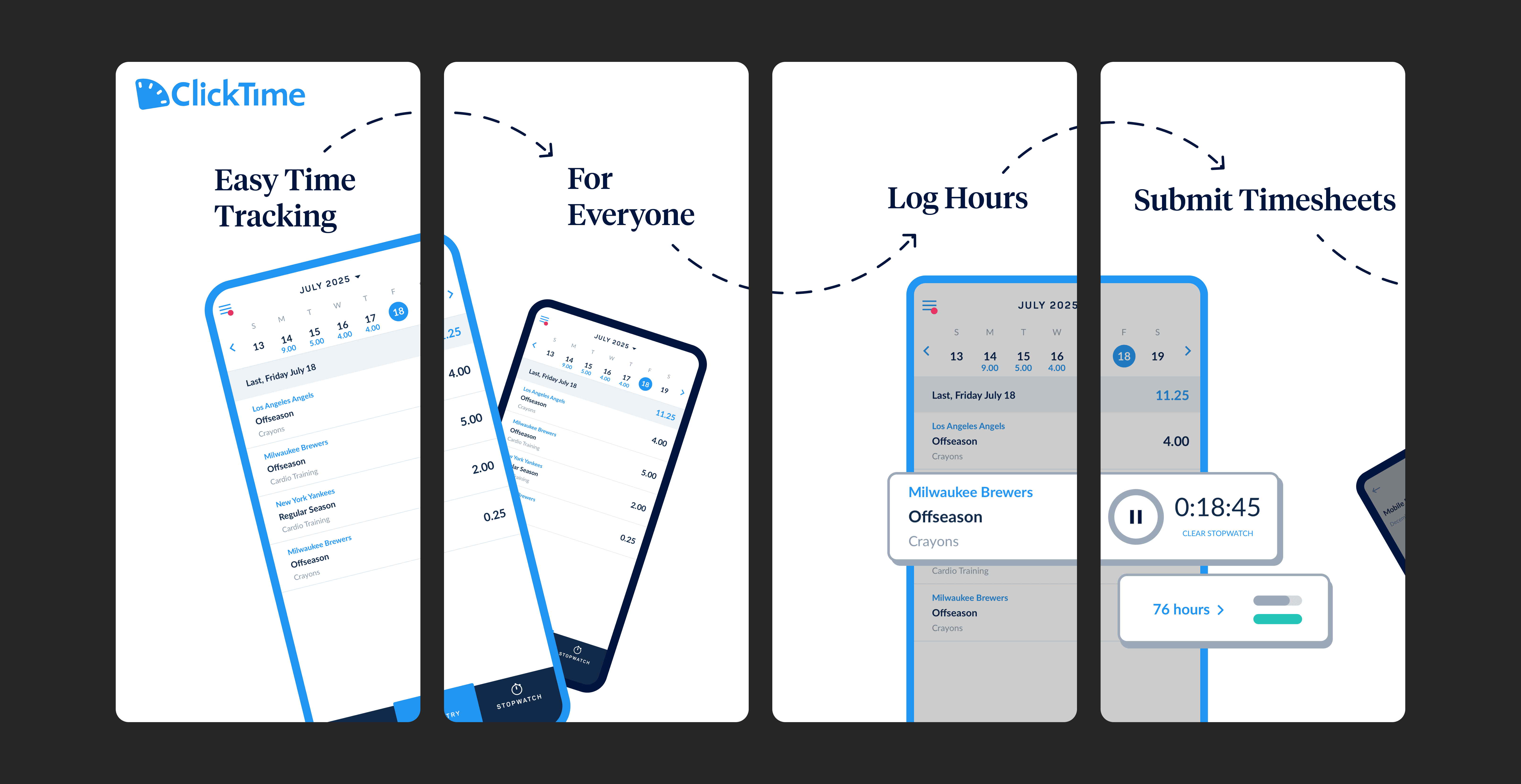
While we didn't go with the white background option, it was important to try it to out to see if it could be an optimal choice as part of the iteration process.
Finalized Assets:


Impact & Learnings
Multiple rounds of iterations allowed us to confidently rule out certain ideas, while bringing in elements not initially thought of. This process of iterating, reviewing, and repeating allowed me to reach the best designs possible.
Publishing these images on the app stores required coordination with Engineering during a mobile release, timing the completion of designs with developers submitting the code upgrades. Additionally, I had to ensure each store's technical specifications for the images were met. My established relationship and goodwill with the team made this process easier and collaboration seamless.
This project also allowed me to establish a rapport with the Marketing team. It helped me gain a better understanding of their goals for designs, while giving them a window into the Engineering and Product Design process and cycle.